FOUNDATION
Before anything else
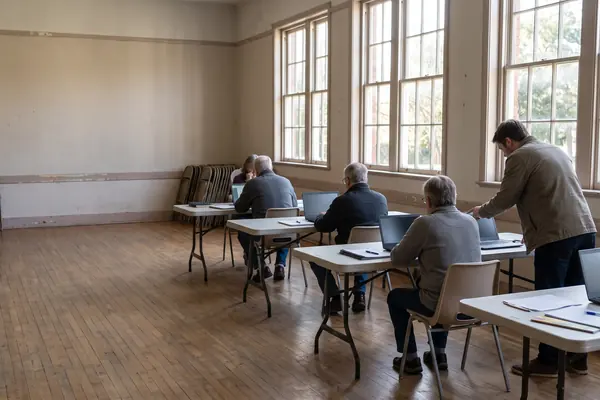
The framework starts with foundation skills: turning on a device, using its controls and accessibility tools, connecting to safe Wi-Fi and keeping passwords private.
Find a starting point christiantechnologyinstitute
A GUIDE FOR VOLUNTEERS
Six in a hundred adults have no internet at home.
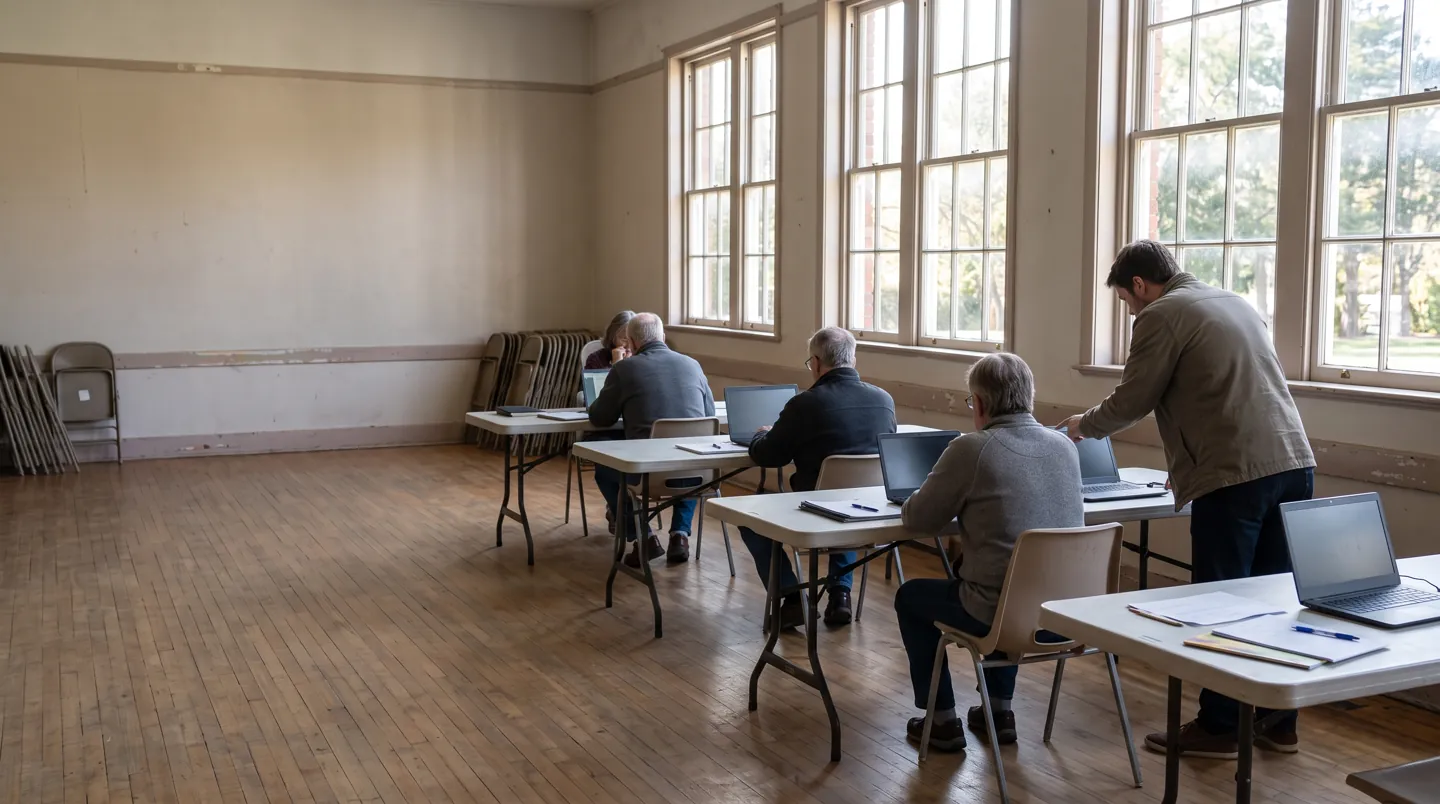
Many churches and community groups run informal sessions to help people get online. The UK's Essential Digital Skills framework gives those sessions a shape, from switching a device on to spotting a scam.
ONE SKILL at a time
Find a starting pointTHE SHORT ANSWER
The framework is written for anyone
supporting adults to build digital skills.
FOUNDATION
The framework starts with foundation skills: turning on a device, using its controls and accessibility tools, connecting to safe Wi-Fi and keeping passwords private.
Find a starting pointFIVE AREAS
Five areas build on that: communicating, handling information, transacting, problem solving and being safe and legal online.
Plan a sessionSAFETY
Ofcom found 82% of online adults responded safely to a scam email in its test, down from 88% in 2022.
See the numbers
FOUR HABITS FOR A SESSION
These come from the framework and from National Cyber Security Centre advice. None needs special equipment beyond the learner's own device.
Use the device's accessibility settings to make text and controls easier to see before teaching anything else.
The NCSC suggests combining three random words for a password that is long and strong but easy to remember.
Show how to pause before clicking links, and how to forward suspicious emails to the NCSC's reporting service.
If someone has lost money or been hacked in England, Wales or Northern Ireland, the NCSC points to Report Fraud on 0300 123 2040.
TWO NUMBERS WORTH KNOWING
Two figures from Ofcom's 2026 report
on adults' media use and attitudes.
6%
Adults with no internet access at home
Ofcom says this offline group is disproportionately older: 17% are aged 65 to 74 and 66% are aged 75 or over. Most (81%) live in C2DE households.
NO HOME INTERNET · OFCOM 2026
82%
Online adults who responded safely to a scam email
That is down from 88% in 2022. Ofcom also found 14% felt confident spotting scams but did not take a safe action in the test.
SCAM TEST · OFCOM 2026
Ofcom also reports that one in five online adults rely solely on a smartphone, so sessions that start on phones meet many people where they already are.
WHERE TO BEGIN
Pick the description closest to the person you are helping. The bar shows how far back in the framework to start.
Mapped to the Department for Education's Essential Digital Skills framework (2019). Everyone learns differently; ask what they want to do first.

BEYOND GETTING ONLINE
Ofcom describes narrow internet users, about 21% of users, who do only a few things online. They are more likely to be older, female, in C2DE households and to have lower digital confidence.
The framework's own examples are practical: video calls with family, writing a letter, using bookmarks, saving files to the cloud. Building sessions around tasks people already want to do keeps them coming back.
Questions
A Department for Education framework, published in 2019, for everyone in the UK who supports adults to improve their digital skills. It sets out foundation skills and five skill areas.
Communicating; handling information and content; transacting; problem solving; and being safe and legal online. Each has skills for life and extra skills for work.
Ofcom's 2026 report found that of adults with no home internet, 17% are aged 65 to 74 and 66% are aged 75 or over. Ofcom links exclusion to access, skills, confidence and circumstances.
The NCSC recommends combining three random words, or using a password manager, and avoiding birthdays, pet names and common passwords. Writing a password down is OK if it is kept somewhere safe.
No. It is an independent informational guide and does not run courses, certify anyone or represent any church, ministry or training body.
Updated
ABOUT THIS NAME
christiantechnologyinstitute.com is part of the DoodleSale portfolio. It isn't in an auction right now, but you can ask about leasing it.